









On this page

How to log in to Casino Gran Madrid

In a nutshell
To log in to Casino Gran Madrid, tap ENTRAR in the header, type your Usuario (username) and Contraseña (password) in the «ACCEDE A TU CUENTA» window and tap INICIAR SESIÓN. You sign in with the username you chose when registering, not your email. If you can't remember your password, use «Recuperar contraseña».
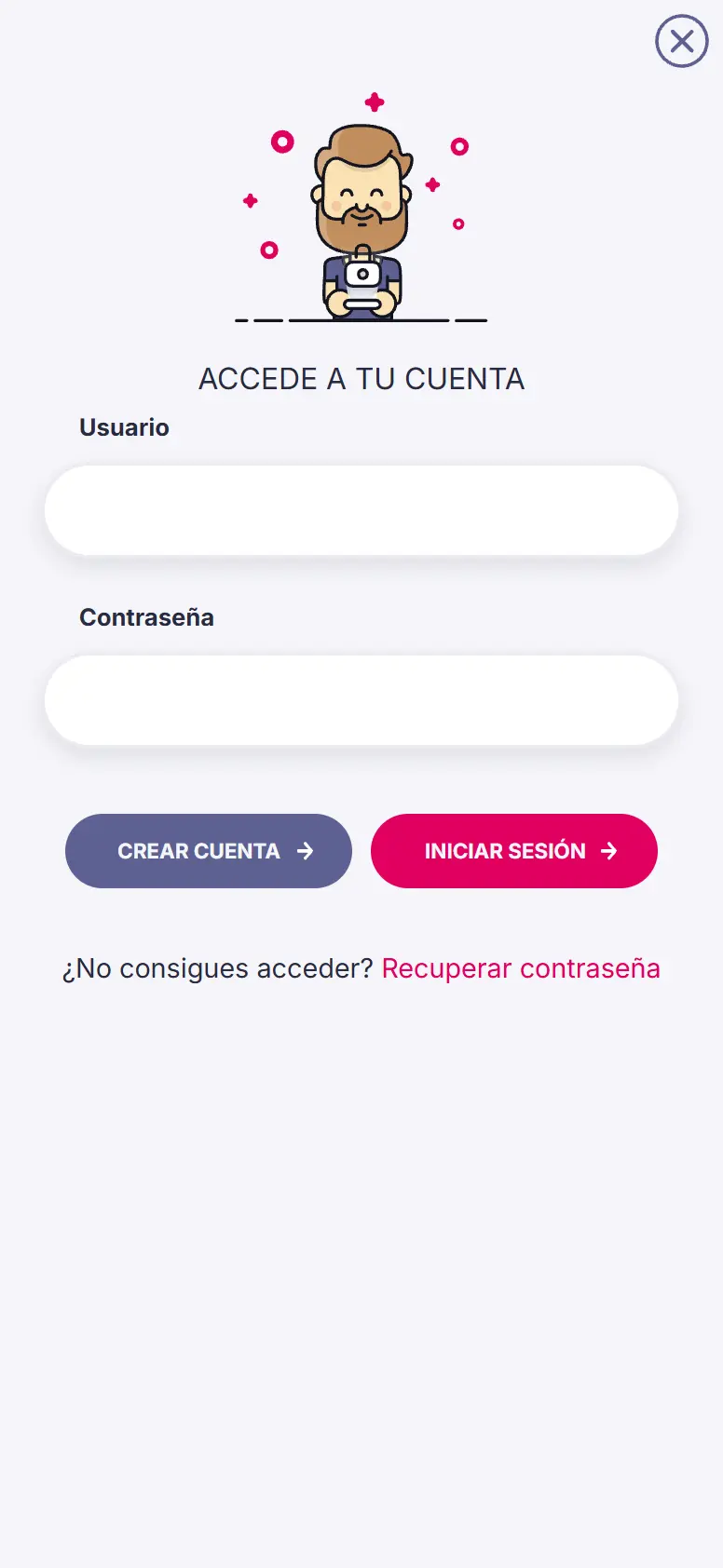
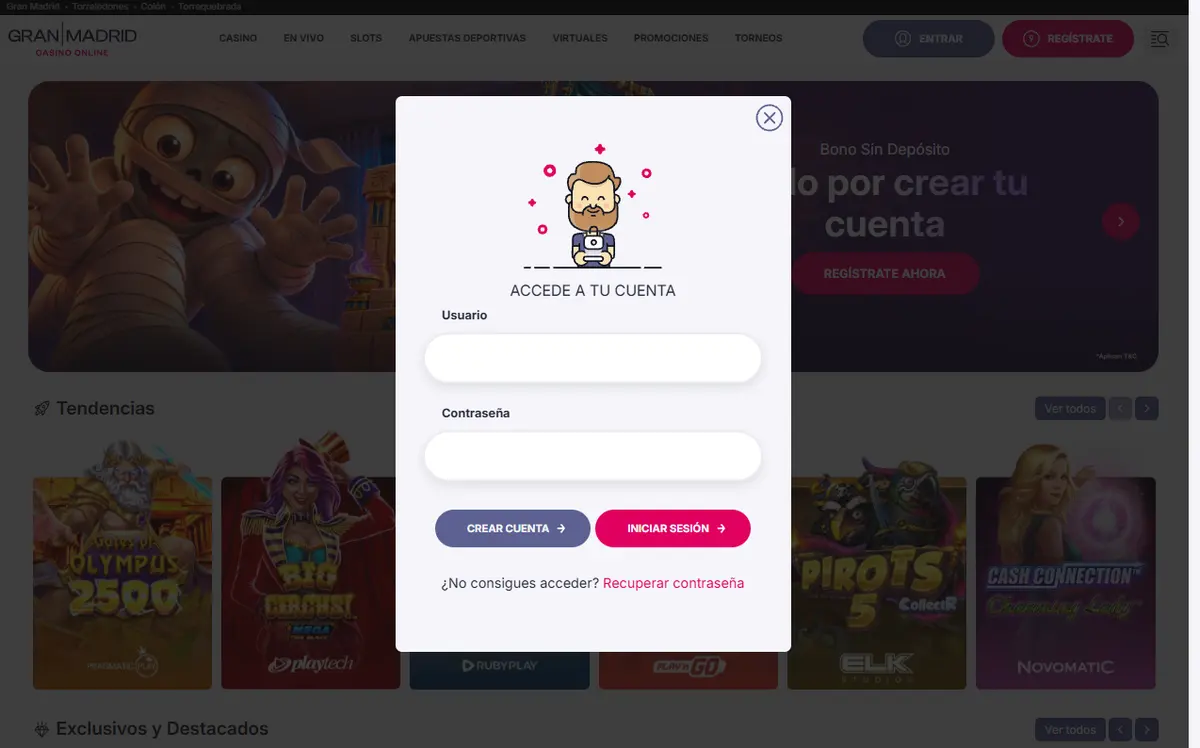
This guide isn't the casino and doesn't manage accounts: the form is on the official site, which you reach with the LOG IN button. Here we explain every screen.
Step by step, on the website and in the app
Open the casino
In your browser or in the app for iOS and Android. Logging in works the same in all three.
Tap ENTRAR
It's in the header, next to REGÍSTRATE. The side menu also has «Iniciar sesión».
Type your username
The username you created when registering, 3 to 16 characters. Your email or DNI won't work.
Type your password
The field accepts up to 16 characters. Watch your capitals and lower-case letters.
Tap INICIAR SESIÓN
You'll be in your account with your balance, bonuses and G|M Points.

Username and password: what you need to know
Your username and password are chosen in the last part of registration, so it's worth noting them somewhere safe. These are the rules the sign-up form applies:
| Detail | Requirements |
|---|---|
| Username | 3 to 16 characters |
| Password | 8 to 16 characters, with at least one capital letter, one lower-case letter, one number and one special character, no spaces |
| What the password can't be | Your name, your username or your date of birth |
If you share a computer, log out when you're done: your account is tied to your DNI or NIE and it's yours alone.
Can't get in? Recuperar contraseña
Below the buttons is the link ¿No consigues acceder? Recuperar contraseña (can't log in? recover password). To reset it, you'll be asked for your username and the answer to your security question. If you can't remember your username, the quickest route is customer support: chat, email or phone 91 856 11 11, Monday to Sunday from 9:00 to 1:00.
- Username not found: check you're not typing your email; you can only log in with your username.
- Password not accepted: check caps lock and that it's no longer than 16 characters.
- You've requested self-exclusion: for the period you chose you won't be able to play, although you can still withdraw your balance.

You're in: what to do first
If it's your first time inside, this is the order that makes most sense:
- Verify your account under Mi perfil > Verificar cuenta with both sides of your DNI or NIE; without it, €150 maximum in deposits and no withdrawals. More in KYC Verification.
- Activate your code under Mis promociones > Cupones if you didn't add it when registering: CGM26 gives €30 with no deposit once verified. More in Promo Code.
- Deposit with the Depositar button at the top and tick «Casino y Slots» if you want the 200% up to €200 welcome bonus.
- Check your limits under «Límites»: lowering them is immediate.
- Cash out from Retirar; the process is in Withdrawals.

No account yet? Sign up in two minutes and get €30 with no deposit when you verify. 18+, T&Cs apply.
SIGN UP
Frequently asked questions
How do I log in to my Casino Gran Madrid account?
Tap ENTRAR in the header of the website or app, type your username and password in the «ACCEDE A TU CUENTA» window and tap INICIAR SESIÓN. Logging in works the same on computer, mobile and app. Remember that you sign in with the username you chose when registering, not with your email.
Can I log in with my email?
No. Casino Gran Madrid uses your username as the login, together with your password. There's no sign-in with Google, Apple or social networks either. If you can't remember your username, contact customer support by chat, email or on 91 856 11 11, Monday to Sunday from 9:00 to 1:00.
What do I do if I've forgotten my password?
Use the «¿No consigues acceder? Recuperar contraseña» link in the login window. You'll be asked for your username and the answer to your security question to create a new one. The new password needs 8 to 16 characters, with a capital letter, a lower-case letter, a number and a special character, and no spaces.
Why has my account been locked?
The account is locked for security after 3 failed password attempts in a row or 5 alternating failed attempts. To reactivate it you need to contact customer support by chat, email or phone. To prevent that, if you're unsure of your password, use «Recuperar contraseña» instead of trying more combinations.
Do I need to verify my account to log in?
Not to log in: you can sign in and deposit right after registering. But without verifying your DNI or NIE you can only deposit €150 in total and can't make withdrawals, and the €30 no-deposit bonus arrives once verification is complete. You do it from Mi perfil > Verificar cuenta.